
Git, finally without fear.
From your first commit to resolving conflicts and collaborating in a team. You build the mental model with diagrams and simulations — not by memorizing commands.
If any of this rings a bell, start here
It doesn't matter whether you've never touched Git or you use it daily by copying commands: here you build the foundation you're missing.
You code with AI and all goes well… until a change breaks what worked and you don't know how to go back.
You save versions by hand: final_project, final_GOOD, final_v2_definitive… a mess.
You've never used Git, but every team and repo takes it for granted and you want to start on the right foot.
You use Git by copying commands off the internet, until a conflict hits and you freeze.
By the end, you handle Git like on your first day on the job
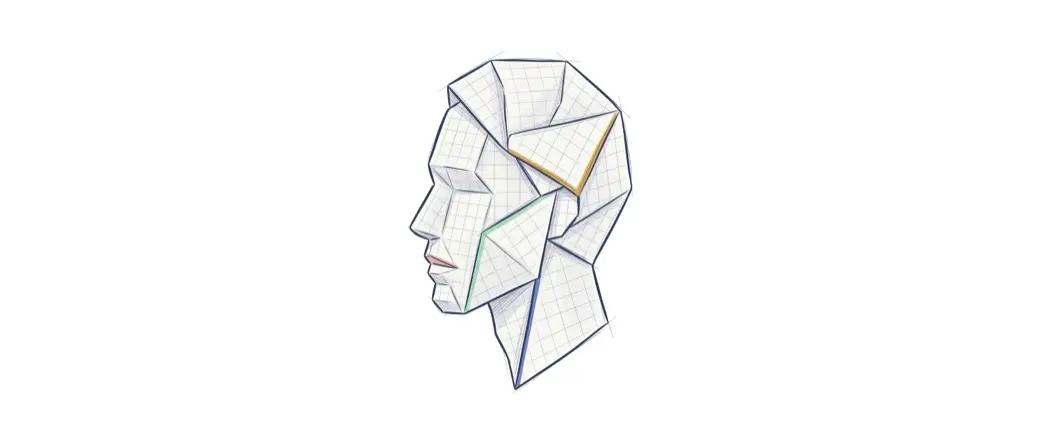
The mental model
Snapshots, the four areas, and the graph. You understand what happens underneath, not just what to type.
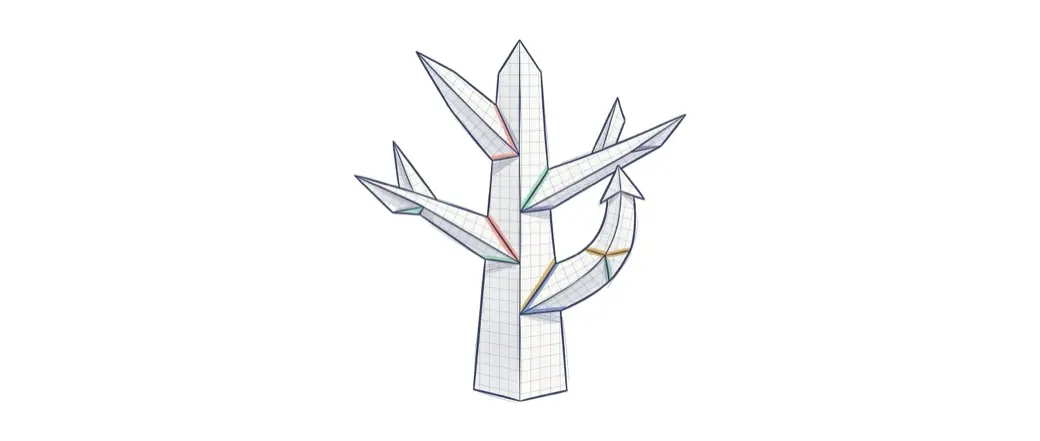
Branches and conflicts
Create, merge, rebase, and resolve conflicts without panic or "let me clone it again".
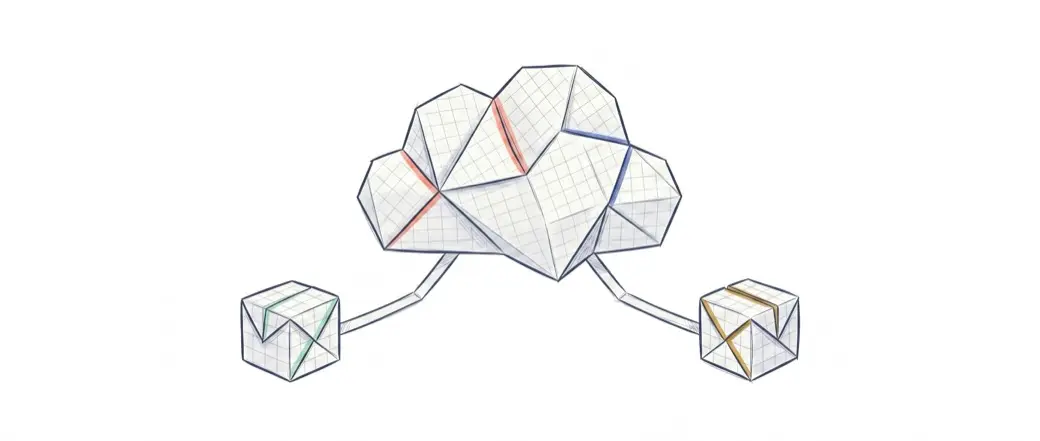
Teamwork
Remotes, pull requests, code review, and the workflows real teams use.
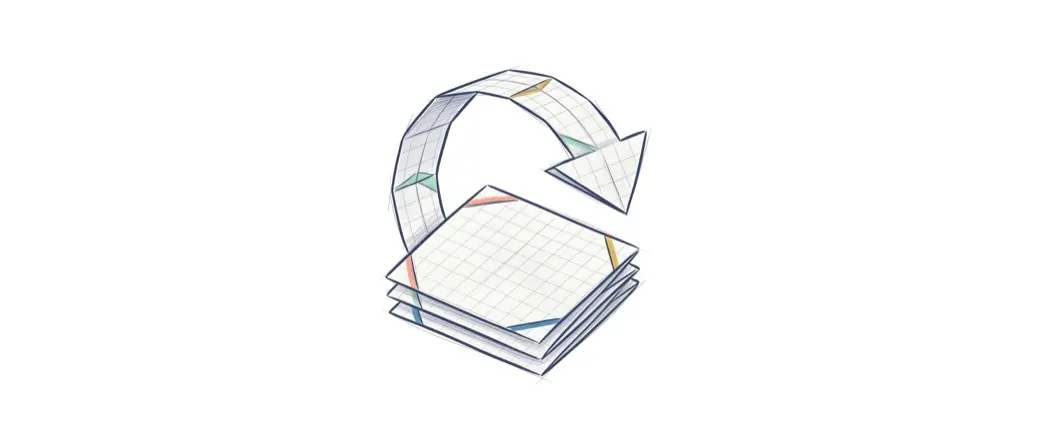
Undo and rewrite
reset, revert, reflog, stash. Recover any state with confidence.
5 tracks · 28 lessons
From zero to professional: from your first commit to team collaboration with branches and Pull Requests.
You understand what problem Git solves and get your environment ready to work.
- The real problems Git solves
- What version control is
- Install Git on your machine
- Set up your identity (name and email)
The heart of the course: how Git thinks inside, so everything else clicks into place.
- The four areas: working, staging, repository, and remote
- The commit as a photo, not a patch
- Your first commit, step by step
- The commit graph (DAG)
- Staging and committing with judgment
- Ignoring files with
.gitignore - Fixing mistakes before you share
You investigate a project's past and undo without losing work.
- Read and interpret Git's errors
- Investigate history with
log,diff, andblame - Move through history:
HEAD,HEAD~N - Undo changes and commits:
resetandrevert - Save work in progress with
stash
You work in parallel and bring the work together without fear of breaking anything.
- The lifecycle of a branch
- Detached HEAD: what it is and how to get out
- Reflog: the ultimate safety net
- Merging branches: fast-forward vs 3-way merge
- Resolving merge conflicts
You work with other people on GitHub without stepping on each other.
- Git vs GitHub: the distributed model
- The
push/pull/fetchcycle - Pull Requests and code review
- Rebase: when to and when never
- Protecting the
mainbranch as a team