
Claude Artifacts vs Projects: what each one is and when to use it
A Claude Project holds the context you work with; an artifact is what Claude hands you. What each one does, examples, and how to combine them.
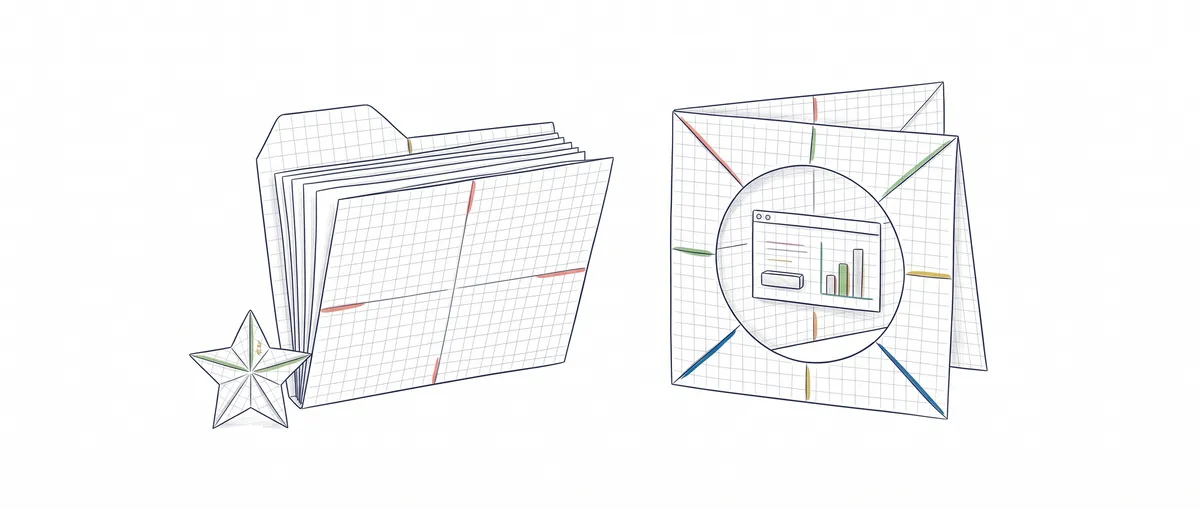
A Claude Project is the fixed context you work in (instructions and files that every chat inside it inherits); an artifact is what Claude hands you: a document, a page, a dashboard or a small app that opens next to the chat and that you can edit and share. Projects and artifacts work together because they answer different questions: what Claude works with, and what it gives you back.
The confusion makes sense, since both live in claude.ai and both “get saved”, but they save different things. The Project is your workbench with your notes on it, and the artifact is the model you build on that bench and then show to someone. You don’t need to know how to code to follow this, only to have used the Claude chat.
Claude Artifacts vs Projects at a glance
| Artifact | Claude Project | |
|---|---|---|
| What it is | Something Claude makes for you that opens next to the conversation: a doc, slides, a design, a dashboard, an interactive tool | A space that groups related chats |
| What it stores | The output; if it’s interactive, also the data it saves (up to 20 MB of text, on paid plans) | Instructions and knowledge files applied to every chat in the Project, plus its own memory |
| Who creates it | Claude, when the content is long and self-contained, or when you ask for it | You, by hand, once |
| Can it be shared | Yes, it starts private and you decide who sees it; the options depend on your plan [3] | On Team and Enterprise, with members who can view or edit |
| What you use it for | Having something you can show, iterate on or export | Not repeating the same context in every conversation |
The row that matters most is the second one. The Project stores what Claude needs to know before it starts (instructions and files applied to every chat you open inside it [1]), and the artifact stores what comes out after. The full mental model of a Project is in what a Claude Project is and what it’s for.
What a Claude artifact is
In the words of Anthropic’s own help center, an artifact is anything Claude makes for you that you’d put in front of someone else [2]. It opens in a panel beside the conversation, you edit it by asking Claude or by changing it directly, and it stays saved in the Artifacts tab. Claude creates one on its own when the content is substantial (the help center says more than about 15 lines) and self-contained; otherwise, just ask for it.
There are templates: Docs, Slides and Design are available on every plan, Free included; Dashboards is in beta for Pro, Max, Team and Enterprise; Motion (animations you export to MP4) is in beta for Team and Enterprise [2]. For all of this you need the “Cloud code execution and file creation” option turned on in Settings > Capabilities.
What turns it into more than a nice-looking document is that it can do things while you use it:
- It can call Claude. You build a small app (an exercise grader, for example) and whoever opens it uses it with their own account and their own limits. No API keys, and sharing it costs the creator nothing [2].
- It can use connectors, meaning it can read from and write to apps you’ve connected, like Google Calendar or Slack, or custom MCP-based connectors (MCP is the protocol that connects models to external tools; see what MCP is and how it connects agents to tools). Each user connects their own apps, and Claude asks for permission the first time.
It can also store data across sessions, either personal or shared with everyone who opens it, with a limit of 20 MB per artifact, text only. Connectors and storage require Pro, Max, Team or Enterprise [2].
When to use each one: examples
The question I ask myself is whether I need an output or a context. An output comes out as an artifact; a context you keep repeating deserves a Project. A few cases:
You want a budget calculator to show a friend who runs a repair shop. An artifact in a standalone chat: you describe the line items, tweak it and share the link. A Project here would be pure ceremony.
You’re preparing a bootcamp’s practice sessions and every week you generate exercises with the same format and level. The Project comes first (the format in the instructions, the syllabus as knowledge), and every week you ask for the new artifact inside it. The Project saves you from explaining the format every Monday; the artifact is what you hand out.
You want a board with your side project’s tasks, pulled from a task manager you’ve already connected. An artifact with connectors, ideally inside the side project’s Project if you’re going to iterate on it for weeks.
You just want to know what a console error means. Neither one: a regular chat and an answer.
How they work together: an artifact inside a Project
The usual setup is to use both at once: you open a chat inside a Project, ask for an artifact, and Claude builds it on top of the Project’s instructions and files, so the prompt can be as short as this:
Make the week 4 exercise sheet as an artifact.
Same format as the previous ones, topic: loops.
One permissions detail: on Team and Enterprise, if you share by link an artifact made inside a Project, whoever opens it also needs access to that Project [3].
Separating context, tools and output is exactly the step that makes agents make sense. In the Agentic Patterns course you practice how work is split between an agent, its tools and the context it receives, so you stop relying on one long chat.
What about ChatGPT Canvas?
ChatGPT Canvas is OpenAI’s closest equivalent: a side panel for writing and coding where you edit the text or code directly. In May 2026 OpenAI removed Canvas from GPT-5.5 Instant and GPT-5.5 Thinking, where writing and code moved to blocks inside the chat; according to its release notes, it stayed available on older models for a limited time for paid users [4]. If you’re coming from Canvas, the Claude equivalent is the artifact.
Common mistakes
Pasting the context into every artifact prompt
If your prompts always start with the same paragraph (“I teach a bootcamp, beginner level, use this format…”), that paragraph belongs in a Project’s instructions. What to write there is covered in the practical guide to creating a Project in Claude.
Expecting the artifact to land in the Project’s knowledge on its own
I haven’t found anything in the documentation saying an artifact gets added to the Project’s files by itself. If a version should serve as a reference for later chats, export it and upload it as a knowledge file.
Sharing an artifact with data you don’t want to show
An artifact’s shared storage is visible to everyone who opens it, so check which mode it uses before putting client data in it [2]. And if the artifact came from a chat with attachments, whoever opens it can access those files too [3].
Promising a public link for something that uses Claude or your apps
Artifacts that connect to apps or use Claude can’t be shared with the “Anyone with the link” option [3]. Instead, invite each person by email (a beta feature on Pro, Max, Team and Enterprise) or, on Team and Enterprise, share it within your organization.
Sources
- How can I create and manage projects? (Claude Help Center): instructions and knowledge applied to every chat in a Project, per-Project memory.
- What are artifacts and how do I use them? (Claude Help Center): definition, templates by plan, artifacts that use Claude, connectors, 20 MB storage and legacy artifacts.
- Sharing artifacts (Claude Help Center): sharing options, permissions, Project access and the restriction on public links.
- Model Release Notes (OpenAI Help Center): release notes for ChatGPT models, including the May 2026 entry on Canvas in GPT-5.5 Instant and GPT-5.5 Thinking.
- Use artifacts in Claude Cowork (Claude Help Center): the August 19, 2026 cutoff date and how live artifacts behave.
Frequently Asked Questions
Are Claude artifacts free?
Yes, the basics are. Artifacts and the Docs, Slides and Design templates are on the Free plan. Connectors, data storage and the Dashboards template require a paid plan [2].
If I share an artifact that uses Claude, who pays for the usage?
Whoever uses it. Each person signs in with their own Claude account and uses up their own plan’s limits, not yours.
Can someone without a Claude account open my artifact?
Generally, no: you need a Claude account to open a shared artifact [3]. The exception is published legacy artifacts (those created in a chat before September 16, 2026 [2]), which can be viewed without signing in [3].
What is a Claude live artifact?
These are the artifacts Claude Cowork created before August 19, 2026, which, when opened, connect to the connectors and data sources of whoever opens them, not the creator’s. They still work and can be opened and shared, but to edit one you have to republish it as a new artifact from the share dialog [5]. Since that date, except in organizations with CMEK, ZDR or a HIPAA configuration, Cowork creates regular artifacts, and showing data from your apps is something any artifact with connectors does today.
Is an artifact the same as ChatGPT Canvas?
Not quite: both open a panel next to the chat, but an artifact can also call Claude, use connectors and store data.
Related articles
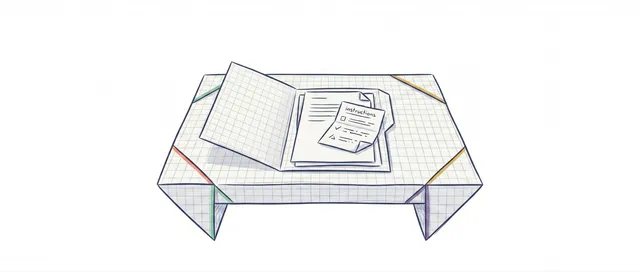
What Is a Claude Project? How It Works and When to Use One
A Claude Project is a space in claude.ai and the app that stores instructions, files, and memory that each chat reuses without you having to re-explain anything.
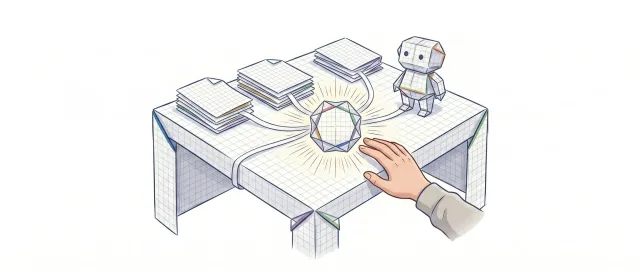
How to Create a Claude Project: Step-by-Step Guide (2026)
Set up a Claude Project from scratch: custom instructions, knowledge files, and ready-to-copy examples. A practical visual guide for any workflow.
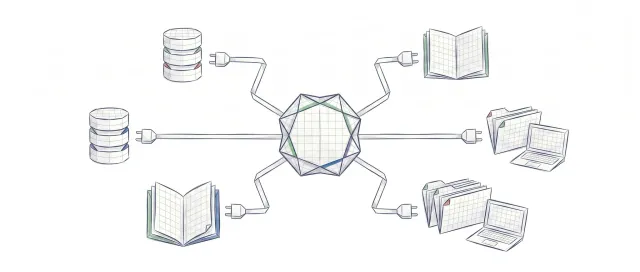
What is MCP: the protocol connecting AI agents with tools
MCP (Model Context Protocol) standardizes how AI agents connect to external tools. Explanation with line-by-line commented Python examples.